HomeViewVR
View BIM models on your phone or with Google Cardboard.
HomeViewVR · com.cadsoft.google.cardboard



UpdatedJun 9, 2023
PublishedNov 4, 2020
Packagecom.cadsoft.google.cardboard
MD5887f25f3fba093294761a2c8afcd9054
SHA1 (signer)04:4C:6B:51:56:C9:AD:8A:C7:8A:08:0C:47:91:27:35:18:26:35:45
Signed byC=CA, ST=Ontario, L=Guelph, O=Cadsoft
Architecturesarmeabi-v7a, arm64-v8a
Malware scanTRUSTED
Websitehttps://www.homeviewvr.com/
Contact[email protected]
Privacy policyView
What's new
Updated to new Google Cardboard Plugin and added 64 bit compliance.
Description
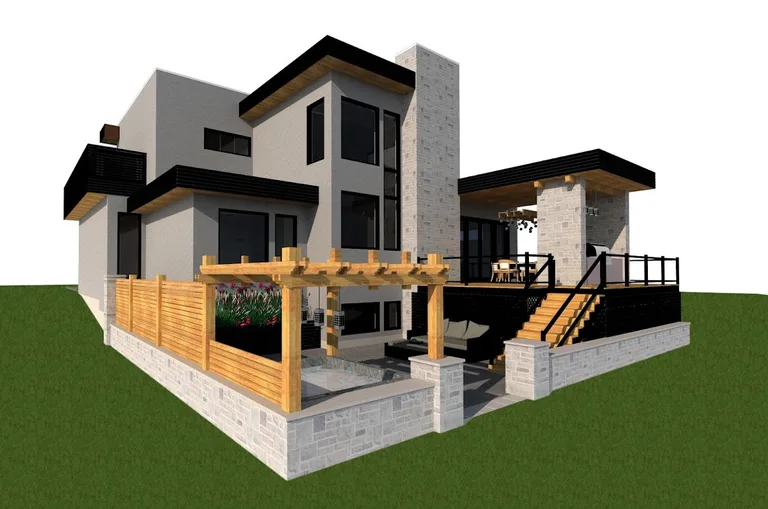
Upload views of BIM models to your phone for an immersive experience.
Enabling the Panoramic View allows you to view a design on your screen. In this mode, when you move your phone you are moving within the designed space.
Enabling the VR option, while using Google Cardboard, will allow you to immerse yourself into the design. In this mode, when you look up, down and around you will have the feeling of being within the designed space.
Give your designs a true immersive quality with the HomeViewVR App!
Enabling the Panoramic View allows you to view a design on your screen. In this mode, when you move your phone you are moving within the designed space.
Enabling the VR option, while using Google Cardboard, will allow you to immerse yourself into the design. In this mode, when you look up, down and around you will have the feeling of being within the designed space.
Give your designs a true immersive quality with the HomeViewVR App!
Required features
- Camera android.hardware.camera
- Screen Portrait android.hardware.screen.portrait
- Wifi android.hardware.wifi
Permissions (6)
HomeViewVR requests the following Android permissions:
- Access Network State android.permission.ACCESS_NETWORK_STATE
- Camera android.permission.CAMERA
- Change Wifi Multicast State android.permission.CHANGE_WIFI_MULTICAST_STATE
- Internet android.permission.INTERNET
- Nfc android.permission.NFC
- Write External Storage android.permission.WRITE_EXTERNAL_STORAGE